How to Make Your Resume ATS-Friendly: 2026 Checklist
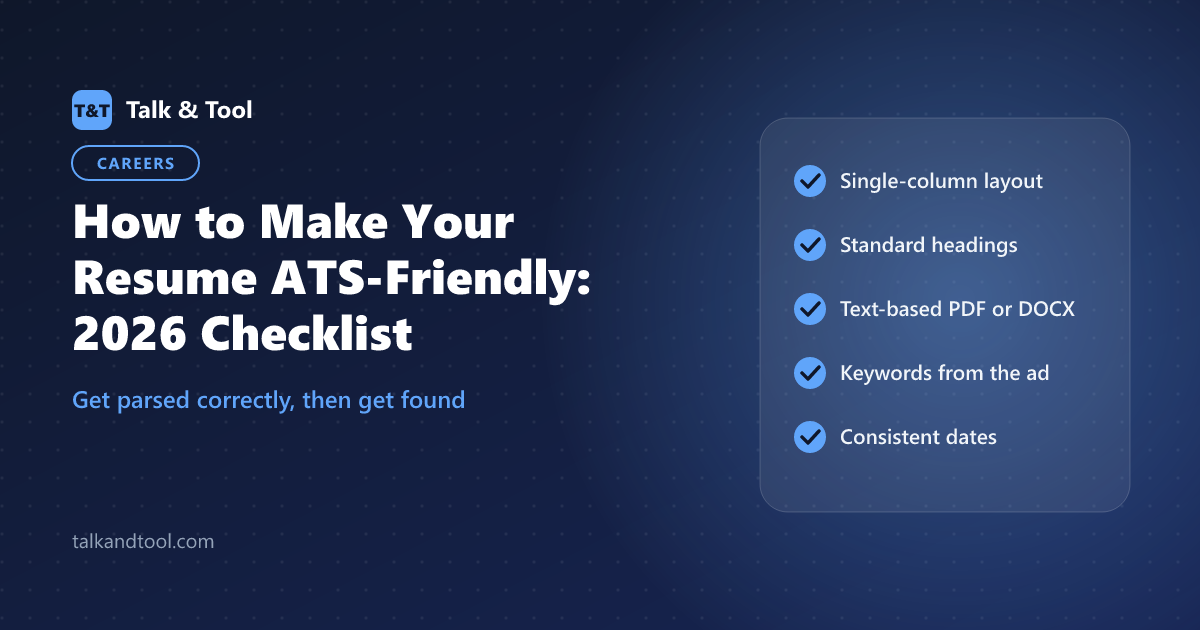
To make your resume ATS-friendly, use a single-column layout with standard section headings, save it as a text-based PDF or DOCX, keep contact details out of headers and footers, and use the exact skills and job titles from the job description. Formatting decides whether the system can read your resume. Keywords decide whether a recruiter finds it. Here is the full checklist.
What an ATS actually does
An applicant tracking system, such as Workday, Greenhouse, Lever, iCIMS or Taleo, is the database employers use to manage applications. When you apply, it parses your resume into structured fields: name, contact details, job titles, employers, dates, education and skills. Recruiters then search and filter those fields, and some systems rank applicants against the job.
Two things can go wrong. The parser can misread your resume, putting your job title in the company field or losing a whole section. Or it reads you perfectly, but your resume does not contain the terms the recruiter searches for. The checklist fixes both.
The checklist
Formatting: make sure you get parsed correctly
Layout
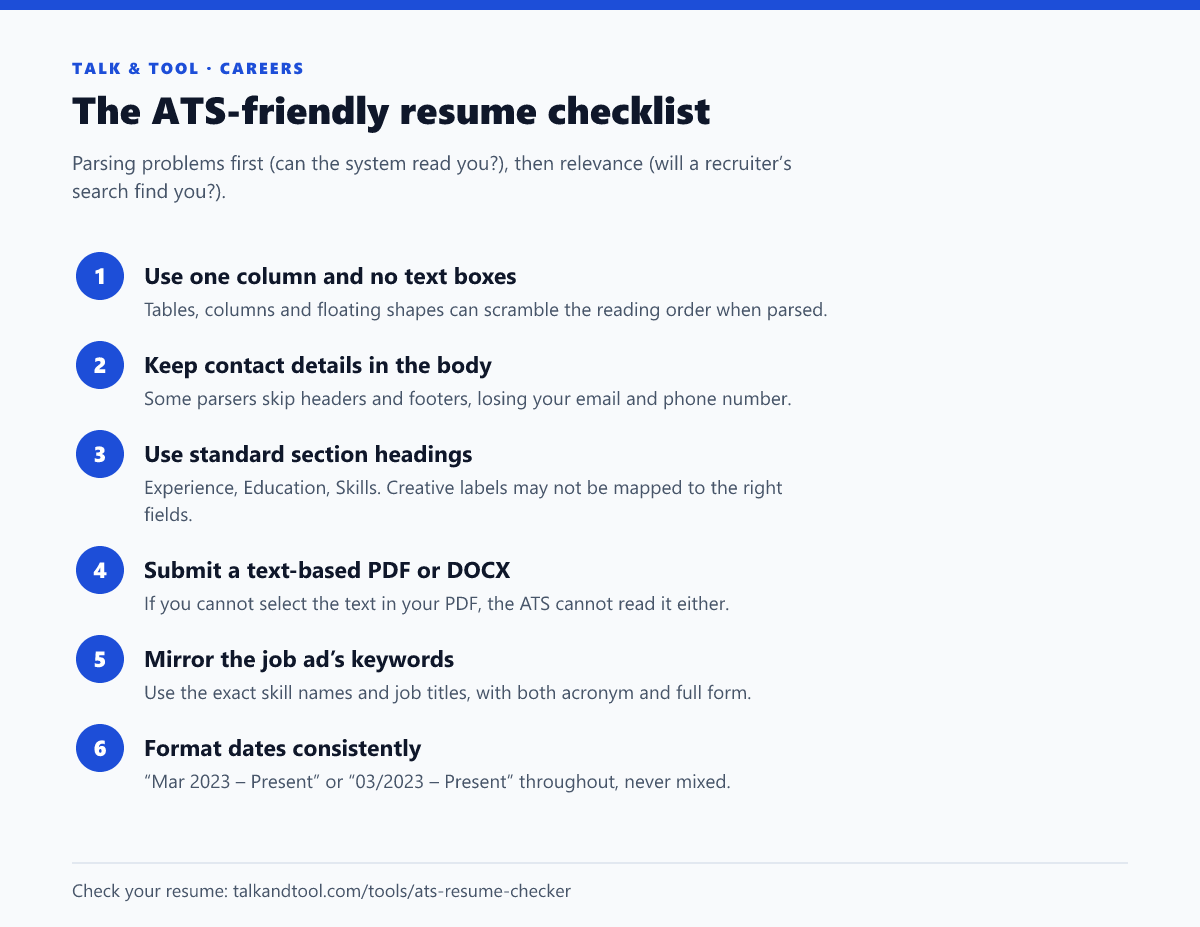
Two-column designs look great to humans and are the most common cause of parsing errors. The parser may read across both columns line by line, mixing your skills into your job history. A single column, with a clear heading and entries in reverse chronological order, is the safest layout. Designed templates with sidebars, icons for contact details and skill bars are high-risk.
Headings
Use conventional names: Summary, Experience (or Work Experience), Education, Skills, Certifications, Projects. "Where I've Made an Impact" is memorable but may not be recognised as the experience section.
File type
Both DOCX and PDF are widely supported. The condition for PDF is that it must contain real text, not an image. A resume exported from Canva as an image, or a scanned page, is unreadable to most parsers. Quick test: open the PDF and try to select a sentence. If the application says which format it prefers, use that one.
Fonts and characters
Standard fonts like Arial, Calibri or Georgia and simple bullet points avoid encoding problems. Avoid putting key information only in images, charts or icons.
Keywords: make sure you get found
Recruiters search the ATS for specific skills, tools, certifications and job titles. If the job ad says "stakeholder management" and your resume says "worked with various teams", you will not match the search, even though you have the experience.
- Collect the terms. Copy the job description and note every hard skill, tool, qualification and title, especially those in the requirements section or repeated in the ad.
- Match the wording. Use the ad's exact phrasing where it is true for you. Include both forms of acronyms: "Search Engine Optimization (SEO)", "Certified Public Accountant (CPA)".
- Show them in context. A skills list helps searches, but the same keywords in your experience bullets, with results, convince the human who reads it next.
- Tailor per application. A resume matched to one ad will not match the next. Keep a master version and adjust the summary, skills and top bullets for each role.
The resume keyword scanner compares your resume with a job description and lists the missing terms. For role-specific guidance, there are dedicated checkers for software engineers, data analysts, accountants, nurses and project managers.
Don't keyword-stuff
Pasting the job description in white text, or listing 60 skills you have touched once, is easy to spot. A human reads every resume that gets shortlisted, and hidden text looks dishonest the moment someone copies your resume into another program. Include the keywords you can back up in an interview.
A myth worth dropping
You may have read that "75% of resumes are rejected by ATS before a human sees them". The figure is widely repeated, but it has no published research behind it. In most organisations the ATS does not reject resumes by itself. It organises and ranks them, and humans filter. Knockout questions, such as work authorisation or a required licence, are the main automatic rejections. The practical goal is not to "beat the robot" but to be read accurately and show up in searches.
Test before you apply
- Run your resume through the ATS resume checker for formatting and structure issues.
- Use the resume parser test to see the plain text an ATS would extract. If a section is missing or jumbled there, it is missing for the employer too.
- Not sure about your template? Is my resume ATS-friendly? flags columns, tables, images and header problems.
All of these run in your browser, so your resume is not uploaded anywhere.
Frequently asked questions
Is PDF or Word better for ATS?
Most modern systems handle both well. A text-based PDF preserves your layout. DOCX is the safest choice for older systems. Follow the employer's stated preference if there is one.
Can an ATS read two-column resumes?
Some can, many do so unreliably. A single column removes the risk entirely, so it is the recommended choice.
How many keywords should a resume have?
There is no target number. Cover the must-have skills and tools in the job ad that you genuinely have, using the ad's wording, and back them up in your experience bullets.