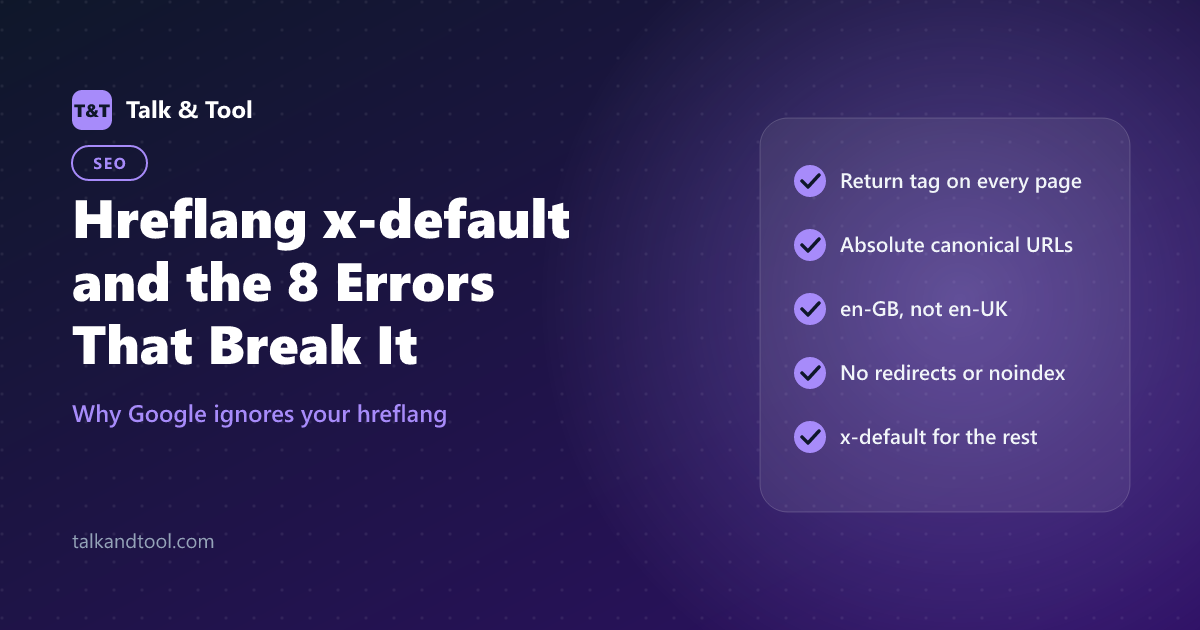
Hreflang x-default and the 8 Errors That Break It
The x-default value tells search engines which page to show when none of your listed languages matches the searcher. It is one of several details in hreflang that are easy to get wrong, and a single error in a set can lead Google to ignore the group. This guide explains x-default, when to use it, and the eight most common mistakes with their fixes.
What x-default means
hreflang="x-default" marks the fallback version of a page. Suppose you publish in English, German and Spanish. A visitor from France searches, and none of your tags matches French. With x-default, Google has a designated page to show, rather than guessing from the other three.
Use it in one of two ways:
- A language selector page, where visitors pick their language. This is the case Google describes explicitly.
- Your main version, usually the English or global page, when you have no selector.
The tag is optional. It never replaces the regular language tags, and the same URL can appear both under its own language code and as x-default. Like any alternate, the x-default page must link back to every other version. For the basics, start with the hreflang tags guide.
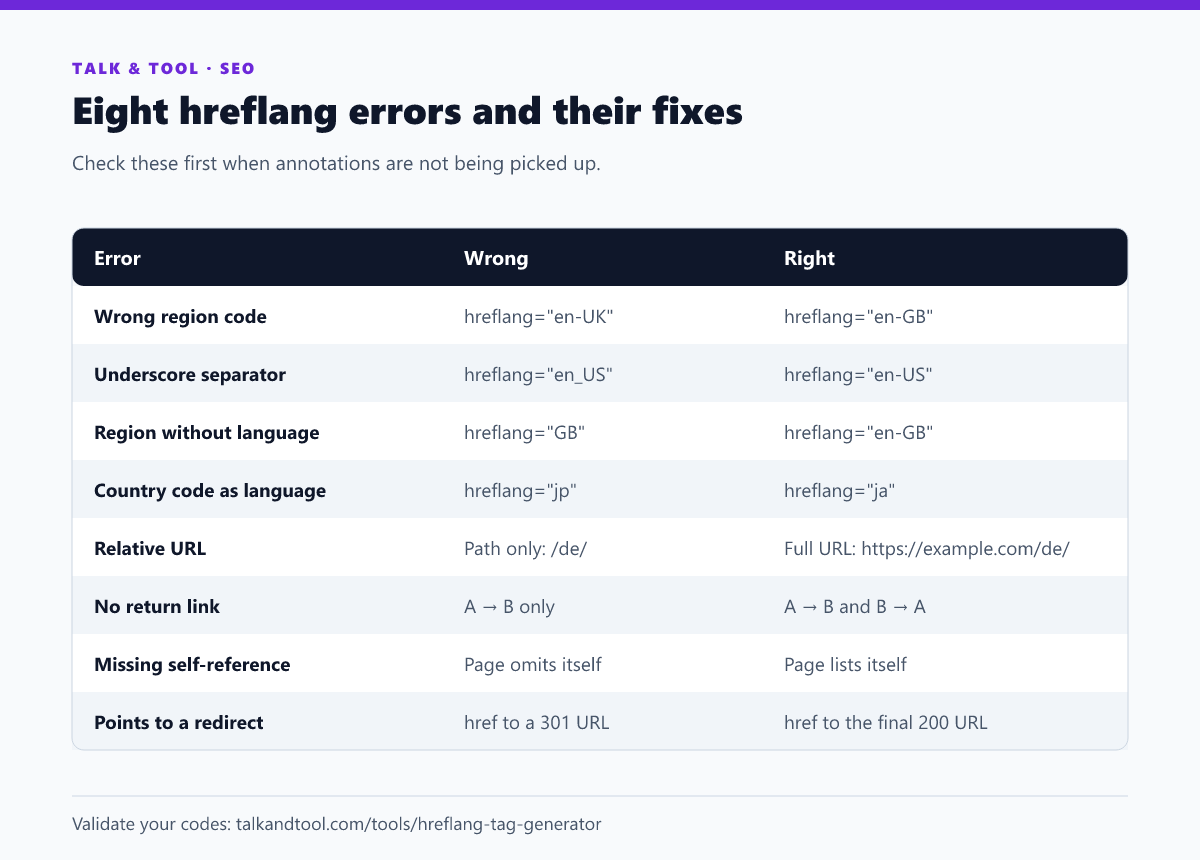
The eight errors
1. Using en-UK instead of en-GB
The region is an ISO 3166-1 code, and the United Kingdom's code is GB. "UK" is a reserved or exceptional code that browsers and search engines do not accept in this attribute. Always write en-GB.
2. Underscores instead of hyphens
Locale strings in programming languages use en_US. Hreflang uses en-US. Template systems often leak the underscore form into the tag.
3. A region with no language
You cannot target a country alone. hreflang="GB" is invalid. Google targets by language first, with an optional region, so the minimum is a language such as en.
4. A country code where a language code belongs
Japan is JP as a country but Japanese is ja as a language. The same trap applies to Greek (el, not gr), Chinese (zh, not cn), and Korean (ko, not kr). The hreflang tag generator catches each of these and tells you the fix.
5. Relative URLs
Hreflang requires fully qualified URLs, including the protocol. A bare path such as /de/ will not work. Use https://example.com/de/.
6. Missing return links
If your English page points to the German page but the German page does not point back, Google ignores the pair. This is the most common real-world failure, and it usually appears when a new language is added to some templates but not others. Crawl your site and check that each annotation has a partner.
7. No self-reference
Each page should list itself in its own set. A page that lists the other versions but not itself leaves the group incomplete. It is an easy omission when you hand-write the tags for "the other languages".
8. Pointing to URLs that redirect, 404 or are noindexed
Hreflang must point to final, indexable pages that return a 200 status. A URL that redirects, errors or carries a noindex directive cannot be shown in results, and the annotation is discarded. The URL in the tag should also match the page's canonical. Look up unfamiliar responses in the HTTP status codes cheat sheet.
How to check your tags
- Validate codes before you publish. A typo takes seconds to catch in a generator and weeks to notice in search results.
- Crawl a sample of pages and confirm each page lists every alternate, including itself, with absolute canonical URLs.
- Spot-check the return links in both directions for a few pairs.
- In Search Console, check the indexing of each language version. A version that is not indexed cannot be served, whatever its tags say.
Frequently asked questions
Do I have to add x-default?
No, but it is recommended when you have a selector page or a clear global default, because it handles every searcher your other tags do not.
Can two languages share one URL?
Not in the same hreflang set. Each language-region value should point to its own URL, and a URL should belong to one language.
Is it a problem to have both en and en-GB?
No. A common pattern is en as the general English page and en-GB or en-AU as regional variants. The regional page is shown to those users, and the plain en page to every other English speaker.
Why do I see "no return tags" in tools?
Because a page in the set does not link back to another. Fix it by adding the full, identical set to every version, which is also the easiest way to keep the set in sync.